☁️ Personal Cloud Setup (NAS) for Professionals: Complete DIY Guide to Replace Google Drive (2025)

Google Drive, Dropbox, and iCloud are convenient, but they come with recurring costs, privacy concerns, and vendor lock-in. A Network Attached Storage (NAS) device gives you your own private cloud — accessible from anywhere, with no monthly fees, and complete control over your data. This guide covers three approaches: pre-built (Synology), open source (TrueNAS), and DIY (OpenMediaVault).
Why Build a Personal Cloud?
- No monthly fees: Pay once for hardware, use for 5+ years
- Complete privacy: Your data never leaves your home network (unless you choose to expose it)
- Unlimited storage: Add drives as you need
- Self-hosted apps: Run Nextcloud, Plex, Home Assistant, Pi-hole, and more
- No data caps or throttling: Local network speeds (1 Gbps or 10 Gbps)
Option 1: Pre-Built NAS — Synology (Best for Beginners)
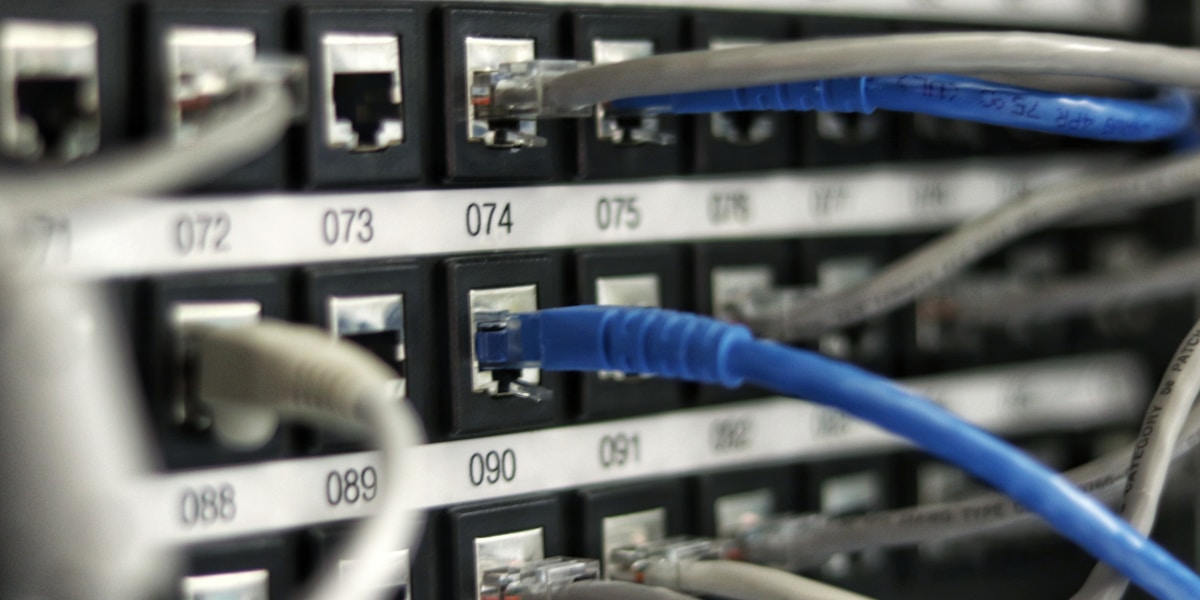
Synology makes the most user-friendly NAS devices. Their DiskStation Manager (DSM) operating system is a full-featured web interface that includes file sync, backup, multimedia, and surveillance apps.
- Recommended models: DS223j (2-bay, $200), DS423+ (4-bay, $500)
- Drives: 2x Seagate IronWolf 4TB ($100 each) or 2x WD Red Plus
- Setup: Insert drives, power on, visit find.synology.com, follow wizard
Option 2: TrueNAS Scale — Open Source ZFS (Best for Data Integrity)

TrueNAS Scale is a free, open source NAS operating system based on Debian Linux. It uses ZFS, the most advanced filesystem for data integrity (prevents silent corruption).
# Download TrueNAS Scale from truenas.com
# Write to USB using balenaEtcher
# Boot from USB and install to SSD or USB drive
Option 3: OpenMediaVault — Lightweight DIY (Best for Old Hardware)
OpenMediaVault runs on any old PC (even a Core 2 Duo with 2GB RAM). Perfect for repurposing old hardware.
wget -O - https://github.com/OpenMediaVault-Plugin-Developers/installScript/raw/master/install | sudo bash
Access Your NAS Remotely (Securely)
NEVER port forward without a VPN. Instead, use Tailscale (free for 3 users) or WireGuard to create a secure tunnel to your home network.
curl -fsSL https://tailscale.com/install.sh | sh
sudo tailscale up
# Install Tailscale on your laptop/phone
# Connect using the Tailscale IP (e.g., 100.xx.xx.xx:8080)